How to change a layout (pictures)
How to change a layout (pictures)
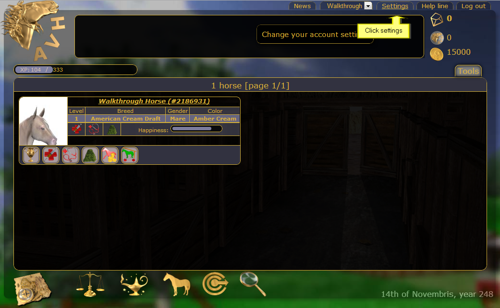
Click on settings
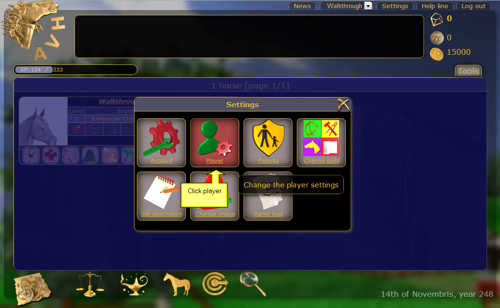
Click on player
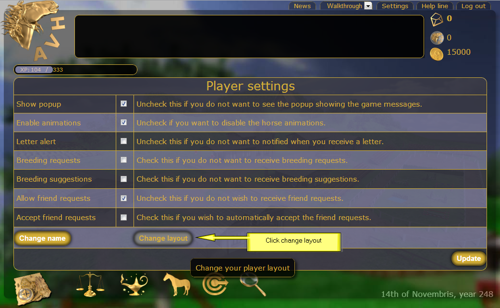
Click change layout
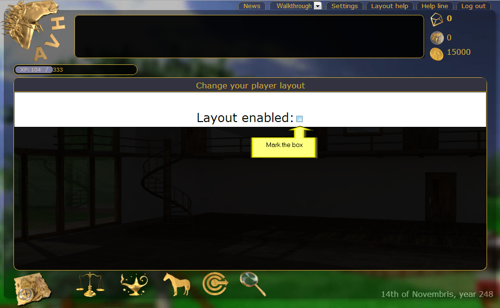
Mark the 'layout enabled' block
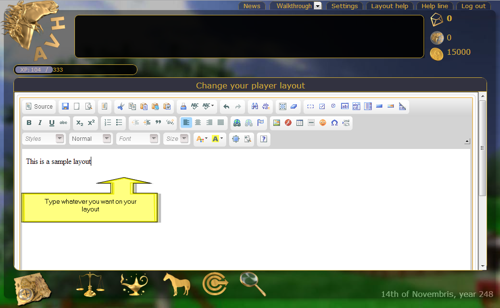
Type your message. All the other buttons can be used to format.
You can use HTML code in the 'source'
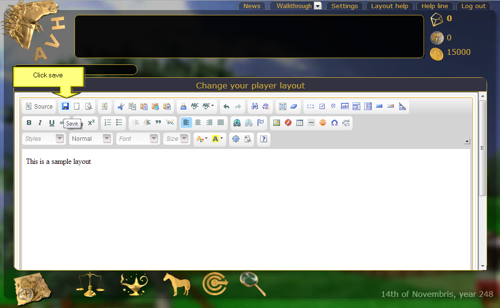
Click 'save'
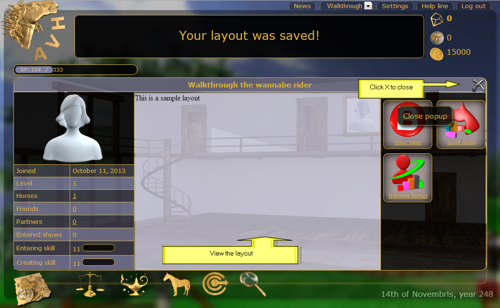
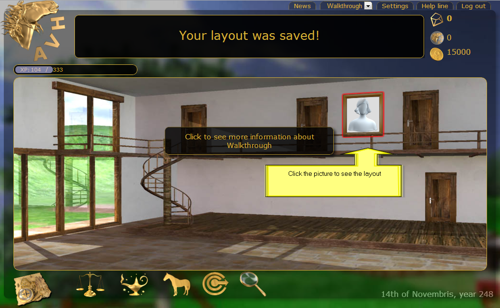
You will see a message.
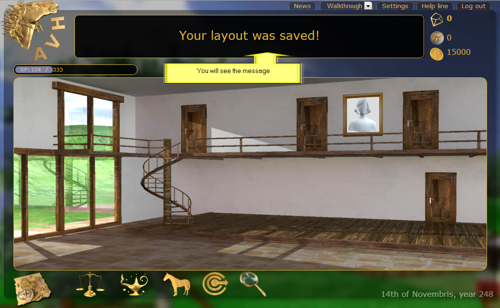
To see your layout click the picture in your home
The X will close the popup